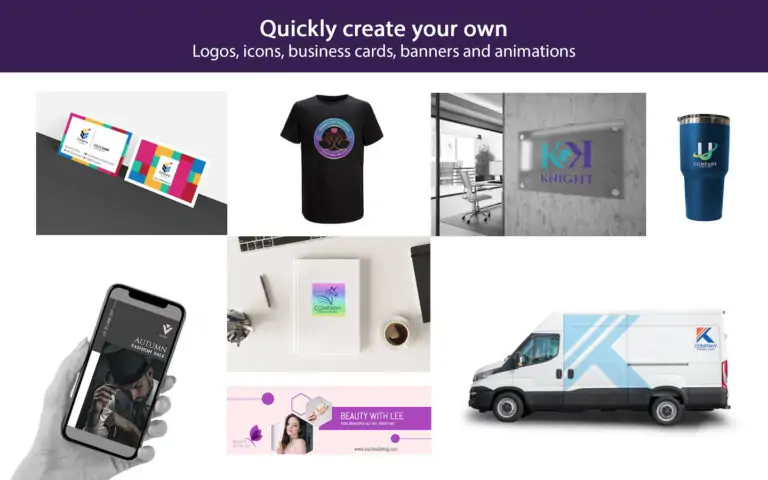
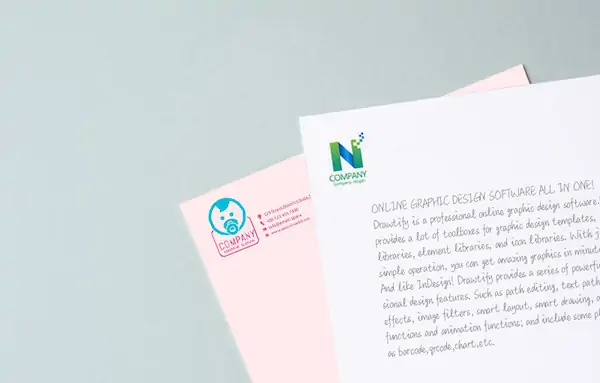
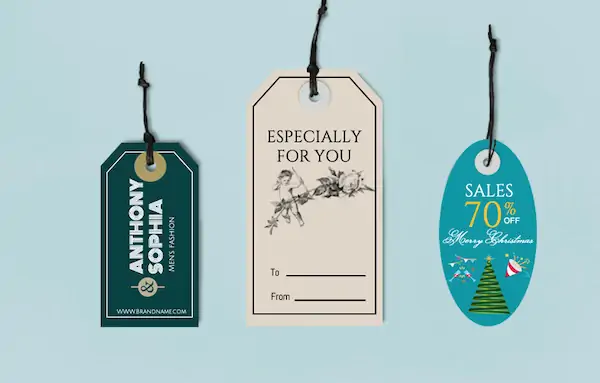
Drawtify has a series of powerful and easy-to-use design functions, such as artisitic effects, and huge online resources, and rich high-quality design templates. Not only can it be used as a professional logo design tool, but it can also complete almost all commercial graphic designs. Even create dazzling animations.
Join Drawtify, in just a few minutes, you can get amazing custom vector logos design, exquisite 3D logos, and animated logos with simple operations.
Immediately use Drawtify free logo maker, only needs 3 steps and can be completed in just a few minutes.
First enter the design center of Drawtify’s free logo maker, and then click “Logo” on the left, including “Text Logo” and “Graphic Logo”. Choose your favorite logo template in the template gallery.
Then click the template to enter the design editing page. And double-click the text in the template to modify the name and tagline. And redefine colors, shapes, fonts to achieve uniqueness.
In the end, preview and save online, next choose the format to download.
Throughout the design process, you can complete it in a few minutes and get an amazing and exclusive custom vector logo design.
In addition, if you need your logo to appear in any scene, it is recommended that you use Drawtify’s free online logo maker excellent animation function to create a more dazzling animated logo.
You can use Drawtify’s online logo creator to create excellent custom vector logos design with its vector drawing function in minutes. Of course, after fully demonstrating your creativity, your own custom vector logo design should be more eye-catching than the template below.


Online logo creator is no download, no expensive design fees, and no learning difficulties.
No need to find design materials across platforms, and worry about any copyright issues.
Drawtify free logo maker online runs completely online and is constantly updated, so you don’t need to download or install any other software on your computer.
Of course, you can download an app for MAC and windows.
Just log in to www.drawtify.com, and create an account, then browse the templates and create your own custom design tasks.
You can visit the user center of Drawtify at any time to choose any saved design. Just choose your design, add your edits, and click to download or publish and share as needed.
But you need to pay attention to:Free users have 40MB of storage space. PRO users have 1GB of storage space.
No matter how many templates are selected and how many design tasks are created, No matter how many images and design elements are used or uploaded in the design, No matter how many powerful and easy-to-use design features you use, The whole process is free.
But You need to pay attention to:Free users can only choose low-quality JPG format for download. PRO users can choose JPG, PNG, PDF, SVG format high-definition download, you can print directly.
And you can even download animated videos.
Copyright © 2025 Drawtify, Inc.